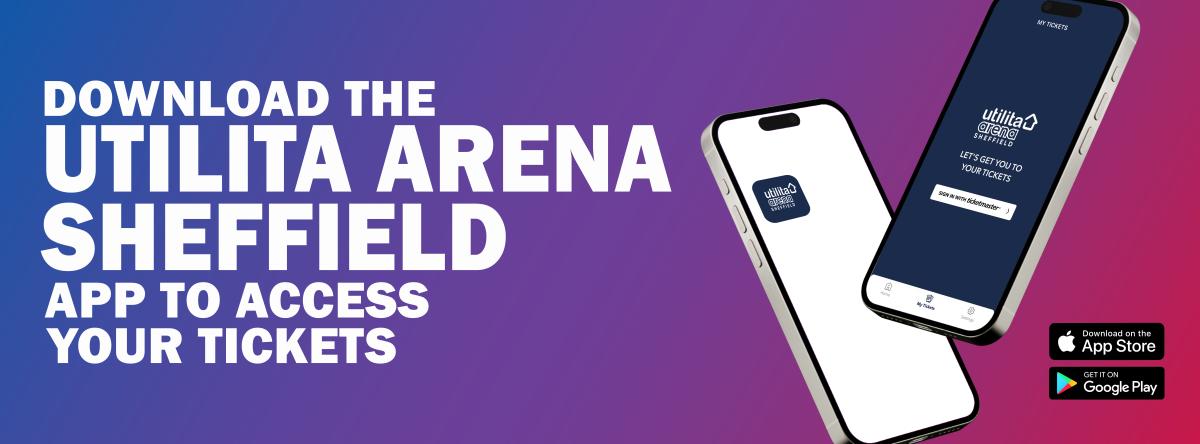
Get ready for an unforgettable night. Download the Utilita Arena Sheffield app to access your tickets, share them with friends and family, and enjoy a hassle-free entry experience.
You can download the Utilita Arena Sheffield app from your phone's app store on iOS or Android. All you need to do is open the app, then tap the ticket icon and sign in with your Ticketmaster account log-in.
If you haven't already, be sure to download the app as it allows you to transfer your tickets to others in your party and download them straight to your phone's digital wallet.
Please note, as you will be using the Utilita Arena Sheffield app, your tickets will not be emailed to you, available to print, or available at the box office.


Why you’ll love the app:
All Your Tickets in One Place
-
Keep everything organised with your tickets stored safely in one convenient location—no more searching through emails.
-
Add tickets to Apple or Google Wallet for easy offline access when you need them.
-
Quickly share tickets with friends and family so everyone can enter using their own device.
Simple, Secure Ticket Purchases
-
Buy tickets in just a few taps, directly within the app.
-
Enjoy fast, secure checkout with Apple Pay.
Quick and Easy Entry
-
Use digital tickets with secure QR codes - scan directly from your phone or your Wallet.
-
Dynamic barcodes help prevent copying or fraud.
-
Skip the paper - just show your screen at the door.
Stay Up to Date
-
Explore the full events calendar, including concerts, ice hockey, comedy, sports, and more.
-
Receive push notifications for exclusive competitions, updates, and special announcements.
Further information can be found here.